The post SEE Result 2078 2079 Ledger Download Process SEE, Ledger Sheet appeared first on SchoolNp.
]]>Download Excel or PDF file of SEE Grade/ Mark Ledger 2078 2079. All the SEE Mark Ledger 2078 2079 Download Process are given below.
SEE mark ledger Download Stepwise Process
SEE Result Ledger Download School Wise SEE Result, Ledger
- Method 1: First You need to download SEE Ledger File from Google File (Link Given below)
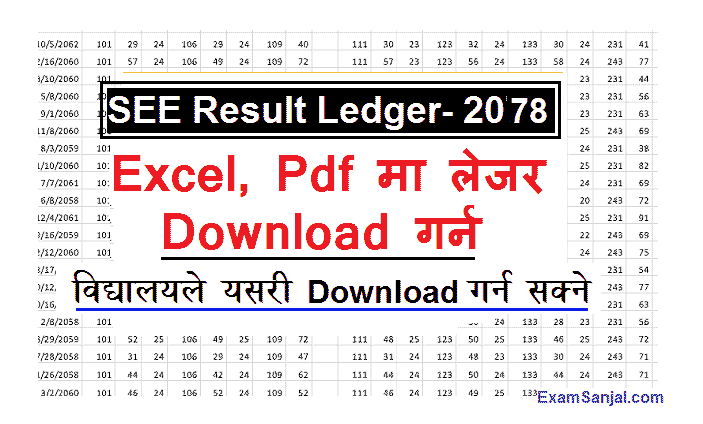
- After Download, SEE Ledger Excel File will open in your device
- All SEE examiners results are listed in this excel file
- Search your First Symbol number of school by Typing Ctrl+F or Click Find & Search Menu
- After finding your School symbol number track your all symbol number details from excel sheet

Download SEE Ledger from NTC Site
1.Method 2: Enter Your School Code Given by Education Office.
2.Enter your one Symbol Number of Valid Students.
3.Enter Date of Birth in YYYY-MM-DD Format of the above symbol number.
4. Click Submit Button to download.
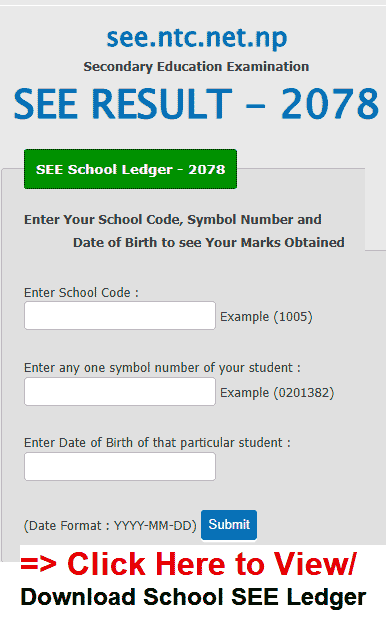
Click Here to Download SEE Marks/ Grade Ledger of All students
SEE Result Ledger Download School Wise SEE Result 2078
The post SEE Result 2078 2079 Ledger Download Process SEE, Ledger Sheet appeared first on SchoolNp.
]]>